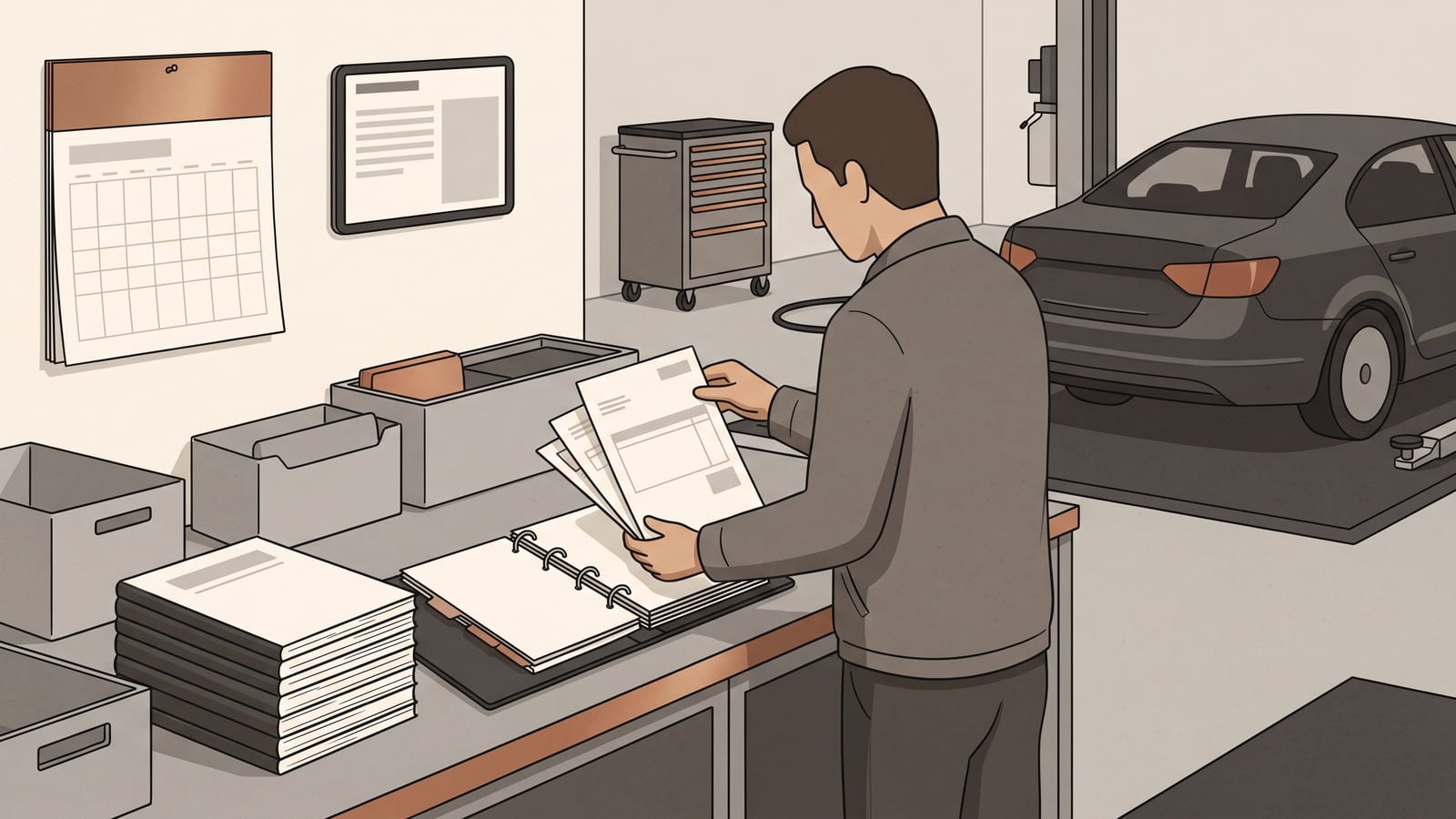
A shoebox of invoices, a phone full of workshop texts, an inbox nobody's searched in years — invoices, texts and emails can easily end up scattered across several places. Building one index turns that scatter into something usable: a single list, an authoritative map of the collection. It shows what records exist, what each one establishes, where you filed it, and what's still open.
The method's simple: sort every item by what its source shows, keep the source itself, and write down what you don't know instead of guessing. An index built this way tells you where you stand. It does not, by itself, establish that any listed work happened, that it was done well, that the car currently meets a maintenance or warranty requirement, or that it is legally sufficient, safe, or roadworthy. For any of that you still need the underlying record, and often a professional look at the car.
One record, four statuses
This is Autonelio's organisational method, not an outside evidentiary standard — a way of sorting what's in front of you, not a legal or mechanical test of whether work happened. It works with four statuses.
Documented means the source itself documents the event or the completed work — a repair order that lists what was done, a paid invoice with a job description, a stamped service-book entry. If the source shows the work was carried out, the item is documented.
Reported means the underlying event isn't documented by the source you have. An email, a text message, a seller's claim on a listing, or your own note repeating something you were told — all of these stay reported, no matter how many places you copy them into. Copying a claim into a tidy spreadsheet doesn't upgrade it: an unsupported repetition remains reported.
Planned recommendation covers work someone's proposed but hasn't shown as finished — an estimate, a workshop's advisory note, a reminder sticker on the windscreen. It tells you only what was proposed.
Unknown or unresolved gap covers everything your records don't establish: a missing date, an odometer reading nobody wrote down, a document you know existed but can't find, or two records that contradict each other.
If you jot down your own observation — a noise you heard, a warning light that flickered — label it "reported — owner observation." That's a useful note, but owner observation is not a diagnosis: writing it down doesn't tell you what caused it. And if one of your own earlier notes later turns out wrong, or a documented record contradicts it, don't delete it and don't quietly rewrite it as fact. Keep it as reported, mark it unsupported or contradicted, and point to the documented record that settled the question. The index should keep track of its own history, not just its current best guess.
Copyable service-record index
Once you've sorted your records into the four buckets above, copy the table below into a spreadsheet or a plain document and start filling it in.
| Date | Odometer, if known | Event or work | Status | Supporting document | Source | File location | Unresolved question |
|---|---|---|---|---|---|---|---|
Status key
- Documented — the source itself documents the event or the completed work.
- Reported — an unsupported statement, including an email, text, seller claim, or your own note repeating something you were told; a direct note of your own goes in as "reported — owner observation."
- Planned recommendation — proposed but not yet shown as completed.
- Unknown or unresolved gap — something the records don't establish.
A mixed-history example
None of what follows describes a real vehicle. It's a hypothetical mix, built to show how the four statuses handle a messy folder.
| Date | Odometer | Event or work | Status | Supporting document | Source | File location | Unresolved question |
|---|---|---|---|---|---|---|---|
| 2022-03-14 | 61,200 | Brake pad replacement, front | Documented | Workshop invoice #4471 | Workshop A | 01-completed-work | — |
| 2021-11-02 | not stated | "Timing belt done before I sold it" | Reported | Text message from previous owner | Previous owner | 03-owner-observations | Odometer at time of work; no invoice found |
| 2023-06-09 | 68,500 | Faint grinding noise on right turn | Reported — owner observation | Owner's own note | Owner | 03-owner-observations | Cause unknown |
| 2023-06-20 | 68,610 | Suspension inspection recommended | Planned recommendation | Workshop estimate #5820 | Workshop B | 02-recommendations-estimates | Not yet scheduled |
| unknown | unknown | Cambelt interval / date | Unknown or unresolved gap | None found | — | 04-unresolved-gaps | No record of any cambelt work |
| 2023-01-10 | 61,200 (assumed) | Owner's note: "invoice #4471 covers the timing belt" | Reported, contradicted | Owner's own note, cross-referenced to invoice #4471 | Owner | 03-owner-observations | Invoice #4471 documents front brake pads, not a timing belt |
Look at the last row, and the previous owner's message just above it. Neither one gets deleted just because it looks doubtful. The previous owner's text stays reported and unresolved — no document confirms or denies it, so it's neither proven nor disproven. The owner's own note is different. It made a specific claim about what invoice #4471 covers, and reading that invoice shows it documents front brake pads, not a timing belt. So the note stays, relabelled "reported, contradicted," and cross-referenced to the invoice that contradicts it — not silently corrected, not quietly thrown away. The cambelt gap itself stays a gap: the absence of a record doesn't prove the work was never done, only that nothing in the collection shows it.
Choose a storage method
There's no single best place to keep this. Paper, digital, and hybrid storage each solve a different problem, and which one's right for you depends on who needs to see the records and how much upkeep you're willing to put in.
| Paper | Digital | Hybrid | |
|---|---|---|---|
| Shared access | Depends on where the file physically sits | Easy once permissions are set up and kept current | Same as digital, plus knowing where the paper original lives |
| Portability and retrieval | Easy to hand over as one folder; hard to search | Easy to search, copy, and send | Best of both, if the two sides stay aligned |
| Preserving useful originals | Keeps the original directly | Originals still need a separate retention decision | Keeps originals while adding a searchable copy |
| Ongoing burden | Low, until someone needs a copy elsewhere | Moderate: permissions and backups need maintaining | Highest: two stores to keep in sync |
If you're the only one who needs these records and the pile is modest, start with paper. A labelled folder in a known drawer does the job, and you can keep the same index right next to it. Paper stops working well the moment someone else needs the same file at the same time, or you want to search years of invoices for one part.
Once sharing or searching starts to matter, digital makes more sense — as long as someone's willing to keep the shared folder's permissions current and occasionally check that the backup opens. It's a poor fit if nobody will maintain that access, or if your most valuable records only exist on paper you'd otherwise throw out once you've copied it.
Hybrid storage suits a long-term owner who's got paper worth keeping — an original stamped service book, say — but also wants a searchable shared copy. It takes more upkeep than either format alone, since the two sides need reconciling, so it's worth the extra step mainly when the originals are worth holding onto.
Picture an owner with a small envelope of invoices and not much else — most of what arrives is an occasional follow-up email. For them, paper can be the whole main store: label the envelope, log each item in the index, and note where a second copy would live if one is ever made. Building a shared digital archive on top of that would be extra work without much payoff, unless someone else needs to see the same file.
Picture two people in the same household who each get workshop texts on their own phone and can't see what the other has. Digital solves that, but not automatically — during their first session together, they'd copy or move everything into one shared folder, keep any useful originals rather than discarding them, and let the index record where each item ended up. After that, both people can open the same current collection, and a monthly check keeps it that way.
Picture a long-term owner with a stamped paper service book, older workshop invoices, and newer downloads from an online portal. A hybrid setup fits: keep the physical book and any paper worth keeping, file the digital copies under clear names, and point the index at both locations. The monthly routine matters more here, because paper and digital can drift apart if nobody checks.
Protect physical originals
What follows is a practical option for physical originals, drawn from general guidance on keeping family papers rather than any automotive or archival standard. Store them flat or upright, and avoid bending, damp, heat, leaks, food, water, insects, and rodents. Nothing here guarantees a document will survive indefinitely — it just gives it a reasonable chance in an ordinary drawer or box.
Use one filing convention
Whichever storage method you choose, you can use this same filing pattern to keep it usable. The names and cadence below are Autonelio's suggested method, meant as a flexible starting point you can adapt.
- Filename:
YYYY-MM-DD_vehicle-odometer_provider-document-type.ext— the date, the odometer reading, then who issued the document and what kind it is. - Folders:
00-index01-completed-work02-recommendations-estimates03-owner-observations04-unresolved-gaps05-retained-originals
- Index rule: the index is the authoritative map of status and location; the referenced record remains the evidence.
- Backup check: confirm a second copy exists somewhere else where practical, open a sample of the files to check they're readable, and note the date you checked.
With that in place, a short routine each month keeps the whole thing current:
- Gather any new paper and digital records.
- Rename and file each one using the pattern above.
- Update its status, source, and file location in the index.
- Resolve duplicates, conflicts, and any access gaps between household members, without deleting a useful original.
- Confirm the second copy still exists and opens, and record the date you checked.
If one person's files aren't visible to the other, don't wait for the monthly routine to fix it: move or copy them into the shared folder during your first session together, and keep any original worth keeping rather than discarding it once it's copied.
Check vehicle-specific fields
The system above is generic on purpose. Your own vehicle, and any outside requirement, might ask for more.
The FTC's U.S. consumer guidance says a completed repair order should describe the work done and itemise the repairs, parts, costs, labour, and odometer readings — that's guidance about a good U.S. repair order, not a universal checklist every workshop must follow. If you're outside the U.S., treat it as one example of the kind of detail worth expecting for your own paperwork.
One inspected Ford manual variant tells owners to record the repair-order number, distance, and engine hours, and warns that its web view may differ from the manual supplied with the vehicle — so use the current instructions for the specific vehicle you own rather than generalising either example.
For legal, inspection, warranty, insurance, tax, registration, or contractual purposes, the governing authority and any applicable contract determine what is required. The index helps you find and hand over the right documents, but it doesn't decide whether they satisfy someone else's rules.
Where to go next
This article sits in Autonelio's maintenance hub, home to the wider set of maintenance-planning guides. If your newly sorted records raise questions about what your car's care should cover, turn incomplete records into a maintenance plan picks up where this index leaves off. To check your vehicle's own requirements against what you find in your documents, see how to read a manufacturer maintenance schedule. And if you've just bought a used car with a thin history, build a maintenance baseline after buying a used car walks through building one from scratch. All of it sits within the broader car-ownership section, alongside guidance on diagnostics and workshop costs.
Your next step: create the shared folder and a blank copy of the index, ready to receive the records you already have on hand.