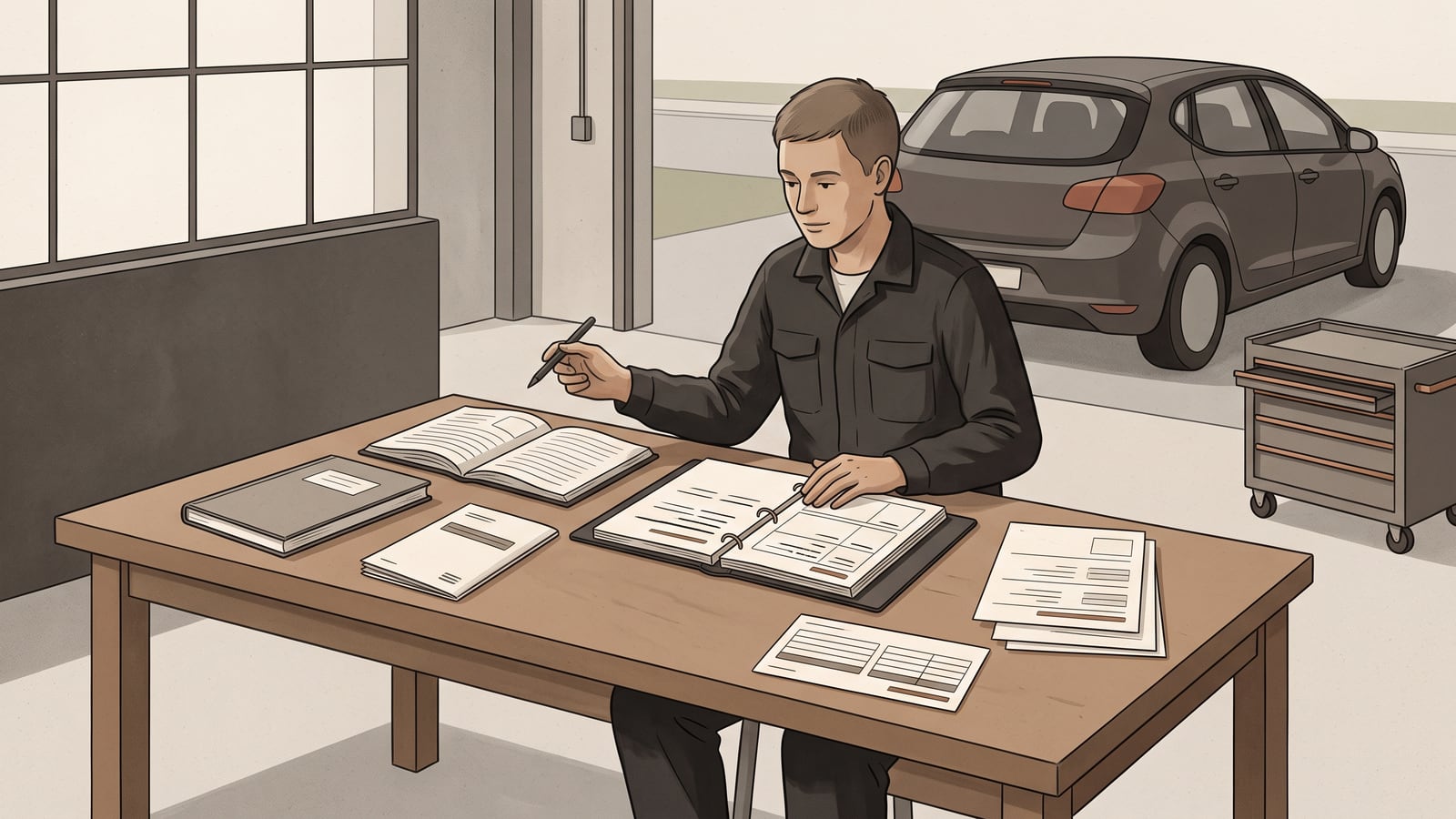
You've got a folder of invoices in no particular order, a service book with a couple of blank pages, and a car that's somewhere between five and twenty years old. It's tempting to go one of two ways: assume the previous owner or the last shop did everything right, or assume nothing was done and schedule the lot again. Both are guesses dressed up as plans.
There's a better starting point. Build the plan from the maintenance schedule that applies to your car, your current odometer reading, and whatever records you can lay hands on — then sort each item by what that evidence shows. Missing paperwork doesn't prove work was completed or missed. It's just a status, and it stays that way until something changes it.
By the end of this you'll have a copyable four-way organiser: documented work, schedule-due work, unresolved history, and urgent assessment. Every item on your car gets one of those four labels and a next action.
Always start from the maintenance schedule and warning instructions for your exact vehicle and market. An active warning takes priority over routine planning: follow the exact current vehicle-specific instruction for that warning, and get qualified help if the required response is unclear before you go further with the plan.
Start with the right sources
A manufacturer schedule is the vehicle maker's own maintenance instructions for your specific model, engine, and market — the document that says what gets checked or replaced and roughly when. Odometer context just means the distance reading and the date attached to a piece of work or a due item, so you can place it correctly against that schedule.
For U.S. consumers, the Federal Trade Commission's guidance is straightforward: follow the maintenance schedule that fits your type of driving, and if a shop recommends more frequent service than the owner's manual calls for, ask why. That's U.S.-specific consumer guidance, not a global rule — but the habit behind it, checking a recommendation against the document itself instead of taking it on faith, travels well wherever you live.
The 2026 Mazda CX-5 schedule — an example limited to that model in the U.S.A., Canada, and Puerto Rico — uses a distance-or-time trigger, whichever comes first, where the schedule says so, and sends certain operating conditions to a separate table in the same document, which is why the applicable manufacturer schedule for your exact vehicle and market is the one that matters.
Here's how that branch choice plays out — a fully invented example, not the CX-5's actual severe-service wording; your own manual's exact definition governs, and this only demonstrates the method. Say a hypothetical schedule defines severe service as, among other conditions, "more than half of trips under 8 km (5 miles) in below-freezing temperatures." Checking a hypothetical driving log against that wording — mostly short, cold-start commutes over the past winter — shows the condition is met, so the severe-service table governs for that period, not the normal-conditions one. Record that choice in the organiser itself: name the selected table as the applicable manufacturer document in the header, with the evidence behind it — "Severe-service table, selected on the driving log reviewed today" — and repeat the same note in the Evidence or source column for any item drawn from that table. A log that covers only part of the time between two services can't classify the whole interval — either extend the check across the interval that governs the item, or apply the more demanding table to the uncovered stretch, and record that choice the same way.
Gather the records you have
Before you sort anything, collect what exists:
- Vehicle identification (make, model, year, and ideally the VIN)
- Your current odometer reading, with today's date
- The manufacturer's maintenance schedule for your car's exact model, year, and market
- Any service book entries
- Invoices or receipts from past work
- Completed repair orders, if you have them
If you're in the United States, a repair order is worth reading closely. The FTC flags specific fields: the work description, individual repairs, the parts used and their cost, the labour charged, and the odometer reading at intake and completion. Repair-order fields document what the document claims was done and when — they don't certify the work was performed correctly, and they don't establish the car's condition today. Treat a repair order as one more record for the plan.
Four planning statuses
The four labels that follow — documented work, schedule-due work, unresolved history, and urgent assessment — are Autonelio's planning framework for sorting maintenance information, not a system defined or endorsed by the manufacturers or regulator whose material this guide draws on. It's a way of organising what you have.
Base each item's status only on the evidence you actually have for it.
Two labels can be true at once — an item can reach its schedule trigger while its own completion history is still open. When that happens, give the row the status that forces the nearer action — urgent assessment ahead of everything, then schedule-due work, then unresolved history, then documented work — and keep the displaced fact in the Evidence or source column so the collision stays visible: a schedule-due row whose last completion is unproven should say exactly that.
Documented work
A record identifies the item and gives you enough date or odometer context to place it in the plan. This status only tracks whether something got written down — it says nothing about how well the work was actually carried out. An invoice that names the job and shows a date or mileage earns this label.
Schedule-due work
The manufacturer schedule that applies to your car says an item has reached, or is coming up on, its stated trigger for your current driving conditions. This status comes only from the schedule itself, applied to your car — never from a generic interval, a rule of thumb, or what "most cars" need at a given age.
Urgent assessment
An active warning, or some other matter your vehicle is flagging, needs to come out of routine planning entirely. Follow the exact instruction your vehicle gives for that specific warning. Different warnings on the same car can call for different responses, so there's no single rule based on colour or category that covers all of them. If you can't tell what it's asking for, get qualified help — don't guess, and don't just wait and see.
Unresolved history
The paperwork you have doesn't establish whether, or when, an item was done. That's neither proof the work happened nor proof it was skipped — it's genuinely unresolved, and it stays that way until a record, a schedule trigger, or a qualified assessment settles it. Nothing here diagnoses the car's condition, and no combination of records or a completed organiser confirms that a repair was done correctly, that maintenance is complete, or that the car is safe or roadworthy. Keep that in mind as you use the template below.
Copy the organiser
This works on paper or in a plain note. No account, no software.
Start with a short header:
- Vehicle: make, model, year, VIN if you have it
- Applicable manufacturer document: the exact schedule you're using
- Market/region: where the schedule applies
- Date checked: when you last confirmed you have the right document
Then one row per maintenance item:
| Maintenance item | Evidence or source | Date/odometer context | Status | Next action |
|---|---|---|---|---|
Fill in a row whenever you have something to sort — an invoice, a schedule line, a blank spot in the service book, a warning light. Give it the status the evidence actually supports, then write down what would need to happen to move it forward: find a receipt, wait for the schedule trigger, ask a shop a specific question, or get the warning assessed.
See the sorting in practice
Here's a hypothetical example of an older, everyday car with a scattered paper trail, sorted against the schedule and warning instructions for its exact model, year, and market (the same document-and-qualified-help rule from the callout above).
| Maintenance item | Evidence or source | Date/odometer context | Status | Next action |
|---|---|---|---|---|
| Cabin air filter replacement | Invoice #4471 names the part and job | Dated 14 months ago, at 100,000 km (about 62,000 miles) | Documented work | None — logged |
| Item flagged by the applicable schedule for the car's current mileage | Manufacturer schedule for this model and year | Current odometer now past the schedule's stated trigger | Schedule-due work | Book the work; confirm the trigger against the schedule |
| Oil change | Previous invoice names the job, dated 13 months ago at 101,000 km (about 63,000 miles) | Applicable interval is 12 months or 20,000 km (about 12,000 miles), whichever comes first. Today's reading is 110,000 km (about 68,000 miles) — 9,000 km since the last service, under the mileage trigger, but the 13 months already exceeds the 12-month trigger, so time arrives first | Schedule-due work | Book the work; confirm the trigger against the schedule |
| Timing-related service mentioned once in old paperwork, with no completion record since | Service book has a gap around the relevant mileage | Last confirmed entry is several years and many kilometres old | Unresolved history | Ask the workshop if any record exists on their side; treat as open until settled |
| Item at its schedule trigger, with no proof the previous service happened | Applicable schedule says the trigger is reached; no invoice or entry confirms the prior completion | Trigger reached at today's reading; history still open | Schedule-due work — history unresolved, noted in evidence | Book the work; tell the workshop the prior service is unverified so they check rather than assume |
| Dashboard warning currently illuminated | Direct observation | Reading it today | Urgent assessment | Check this warning's specific instruction in the vehicle's manual |
Notice what isn't in that table: no cost, no likely cause, no verdict on whether the car is safe to drive.
Change a status only when the evidence changes
The plan isn't a one-time snapshot — it updates as new evidence turns up.
- A record surfaces. A receipt or service-book entry you'd missed can move an item from unresolved history to documented work, as long as it names the job and gives you a usable date or odometer figure.
- The odometer catches up. Once your current mileage or the date reaches a trigger stated in the applicable schedule, the item moves into schedule-due work.
- A workshop writes something down. Written findings from a shop can sharpen the next action on a row — but they're the shop's professional note, not your own diagnosis to write into the organiser.
- A warning stays a warning. An active warning doesn't return to routine planning on its own. It stays in urgent assessment until the applicable instruction, or a qualified assessment, establishes what the response should be.
Ask the workshop three useful questions
When a shop recommends work, the organiser gives you something concrete to ask about instead of just accepting or refusing:
- Which manufacturer requirement or observed finding supports this recommendation? A schedule trigger and a technician's own observation are both legitimate reasons — a vague "it's about time" isn't.
- What document will I receive when the work is complete? You want something you can add to the organiser as documented work, with a date and odometer reading.
- What remains uncertain? Some findings are provisional. It's fine for a shop to say so — it just means that item may stay in unresolved history a while longer.
Where to go next
This article sits in Autonelio's maintenance hub, alongside guides on reading a manufacturer maintenance schedule so you can find the exact document this plan depends on, organising your service records once you've got more paper to file, and building a maintenance baseline after buying a used car if incomplete history is your starting point rather than a later addition. From there, the wider car ownership section covers everything from symptoms and diagnostics to workshop costs.
Your next step: open the current maintenance schedule and warning instructions for your car's exact model, year, and market, then write their titles and today's date at the top of your organiser.