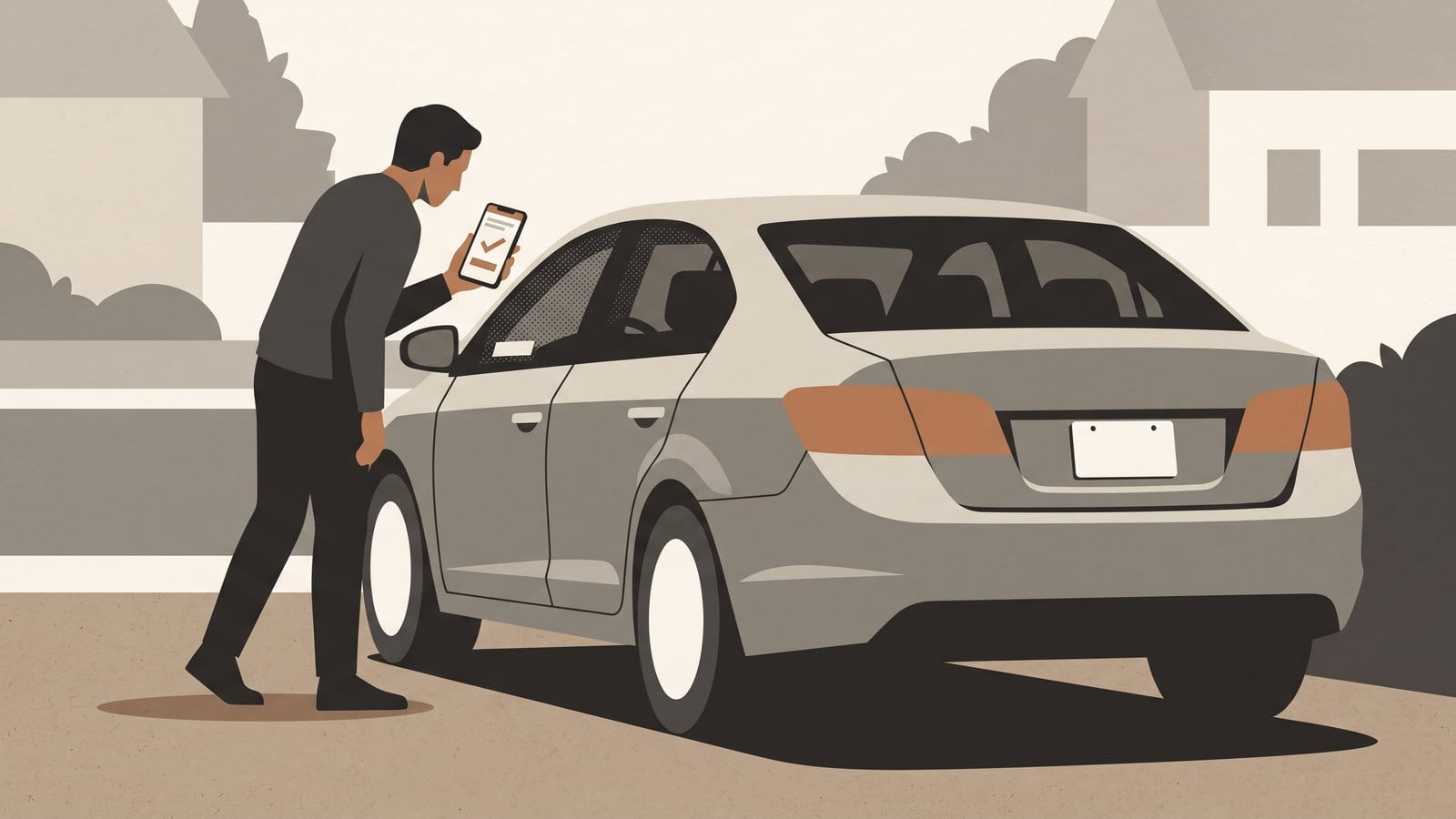
You've found a car worth considering — used, so it already has an owner history you don't fully know yet. Before you hand over any money, there's a short check worth doing: does this particular vehicle have an open safety recall attached to it right now? Not the model line in general — this exact car, identified by its own vehicle identification number.
That distinction matters more than it sounds like it should. A recall notice for "2016 model X" tells you the model line had a problem. It doesn't tell you whether the specific car parked in the seller's driveway was ever affected. A vehicle-specific VIN or state-and-plate search can tell you whether NHTSA currently shows an unrepaired recall against that VIN — though not always whether an older recall on that car was already fixed; for that, the manufacturer is the authority to ask. This covers vehicles registered and searched in the United States. Other countries run their own recall systems with different coverage and rules, and that's outside what this article covers.
Check the specific vehicle
The National Highway Traffic Safety Administration — NHTSA, the U.S. agency that tracks vehicle safety recalls — runs a public lookup. It accepts two kinds of identifier: the vehicle identification number (VIN), a 17-character code unique to that one car, or a U.S. state paired with the car's license plate number.
NHTSA accepts either identifier, but keep the VIN handy anyway: if a plate search ever returns the wrong vehicle, the VIN is your fallback. You can find it in a few places:
- Through the lower-left corner of the windshield, visible from outside the car
- On the vehicle's registration or insurance documents
- On a label inside the driver-side doorjamb
Not every location is equally convenient before you've bought the car. If you're standing in a driveway looking at a car you don't yet own, the windshield is usually the easiest to read without opening a door or asking to see paperwork.
Once you have an identifier, the process is short:
- Get the VIN, or the state and plate number, for the car you're considering.
- Run it through NHTSA's vehicle-specific VIN or plate lookup.
- Check that the vehicle the tool returns actually matches the one you're looking at — same make, model, and year.
- Read the displayed result and any recall information shown with it.
- Save a short record of what you found (more on that below).
None of this is an inspection or a diagnosis. It's an owner-safe check you can do from your phone, and it tells you one narrow thing: what the service currently displays for that VIN.
If you're weighing a rental instead of a purchase and you already have the vehicle's VIN or plate, you can run the same lookup. That's genuinely useful — but it's lookup only. Whether a rental company has any duty to disclose an open recall, or whether you're permitted to use a recalled rental vehicle, isn't something this search answers, and this article doesn't attempt to resolve it.
Read the result
For vehicles the service covers, the lookup can show a currently unrepaired recall tied to that VIN. If none are displayed, the interface typically reports something like "0 unrepaired recalls associated with this VIN."
That's useful information. It means zero displayed unrepaired recalls within the service's stated coverage — not a broader safety or condition certificate, and not proof nothing has ever applied to this car.
NHTSA is upfront that the display has gaps. It can miss or not yet include:
- Recalls that have already been repaired
- Some newly announced recalls, before all affected VINs have been fully identified
- Recalls more than 15 years old, unless the manufacturer has chosen to provide broader coverage
- Recalls from smaller manufacturers
- Non-safety service campaigns
- Recalls tied to vehicles built or sold outside the United States
So a clean result is worth having, but it isn't a stand-in for:
- A mechanical inspection
- A check of maintenance history
- A title check
- Diagnosing a dashboard warning light
- A pre-purchase inspection by someone who can look the car over in person
Those are separate questions with separate answers, and the recall lookup was never designed to cover them.
Handle mismatches and broader searches
Two situations come up often enough to plan for.
The first is a plate mismatch. If you search by state and plate and the tool returns a vehicle that clearly isn't the one you're looking at — a previous owner's car, or something with the wrong description — do not rely on the mismatched result. NHTSA's own guidance is to use the VIN instead while you sort out the plate problem, and to contact the state DMV about the underlying plate-data issue, since that's the record the plate search draws from.
The second is starting from the wrong end of the search. Maybe you first found a recall by searching the model itself — year, make, and model, with no VIN involved. That kind of search can be genuinely useful: it can turn up recalls, open investigations, complaint patterns, and manufacturer communications tied to that model line. But model-level information answers a broader question than the one you actually need answered for this specific car. NHTSA's own guidance, once a model-level search turns something up, is to check the particular vehicle's VIN to find out whether that specific car is affected.
Record the check
Worth keeping: a short, dated note of what you found and what you did about it. This is our own suggestion for staying organized — an optional planning record, not an NHTSA requirement or form it recognizes.
Its value shows up later. If you buy the car, a seller conversation, a rental handoff, or a call to the manufacturer goes faster when you can hand over exact details instead of trying to remember what the screen said three weeks ago. Where you don't yet have an answer to a field, write "unknown" — don't write "none" or "zero" unless the service actually displayed that.
Recall-check record
- Lookup date:
- Vehicle being considered (year / make / model):
- Route used (VIN or state + plate):
- Identifier used (mask or partially redact if sharing):
- Did the returned vehicle match the one being considered? (yes/no):
- Displayed result:
- Campaign number, if shown:
- Notice or remedy status (or "unknown"):
- Manufacturer or authorised-dealer contact, if made:
- Response received / next follow-up date:
A representative example, using a fictional, partly masked VIN and no invented recall facts:
- Lookup date: 2026-08-16
- Vehicle being considered: 2015 Toyota Camry (fictional example)
- Route used: VIN
- Identifier used: 4T1••••••••••7452 (masked)
- Did the returned vehicle match? Yes — year, make, and model matched the listing
- Displayed result: 0 unrepaired recalls displayed for this VIN
- Campaign number, if shown: not applicable — none displayed
- Notice or remedy status: not applicable — no open recall shown
- Manufacturer or authorised-dealer contact: not contacted — no open recall found
- Response / next follow-up date: none needed; recheck before purchase closes
Follow an open recall
If the lookup shows an unrepaired recall — or the status is unclear and you can't tell whether it's already been fixed — the next step isn't guesswork. Read the applicable current recall notice for that campaign: it spells out whatever interim instructions apply. If a notice tells owners to stop driving, park away from structures, or take some other specific precaution, follow it exactly — don't fall back on a general assumption that everyday use is fine.
For anything the notice doesn't answer — whether this particular car has already been repaired, or anything else specific to that VIN — contact the manufacturer or an authorised dealer. NHTSA recommends following up promptly once a recall is identified.
Even so, nobody can promise a remedy will be available the moment you call. Remedy availability may vary, so prompt follow-up does not guarantee same-day resolution.
Where to go next
This lookup is one part of getting comfortable with a used car. It sits alongside the broader groundwork covered in Autonelio's getting-started hub — it doesn't replace it. If you're buying, two guides pick up naturally from here: building a maintenance baseline after buying a used car and organising service records without turning notes into proof. Both sit inside the wider car-ownership section, which covers the rest of what a car needs from you once you own it.
Your next step: copy the VIN from the vehicle or its documents and run it through the official NHTSA vehicle-specific lookup.